Skip to content
Rescue Digital Media
  • Home
  • Recovery Solutions
    • Photo Recovery
    • Video Recovery
  • Photo Repair
  • Video Repair

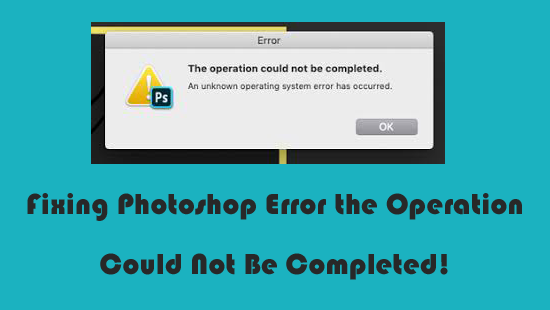
Photoshop the operation could not be completed. An unknown operating system error has occurred

Fixing Photoshop Error the Operation Could Not Be Completed!

Fixing Photoshop Error the Operation Could Not Be Completed!

Adobe Photoshop remains an essential program for designers, editors, and photographers worldwide. However, while handling this application, users often encounter unexpected errors. One such error message is “The operation could not be completed. An unknown operating system error has occurred.” It occurs during saving, opening, editing, or exporting files.

Read more

Editorial Staff
Editorial Staff
www.rescuedigitalmedia.com
Best Photo Recovery Software

Recent Posts

  • Fixing Photoshop Error the Operation Could Not Be Completed!
  • SDHC Card Not Recognized: Fix Memory Card Detection Issues Fast!
  • 6 Easy Ways to Repair MKV Files – Complete Guide!
  • How to Fix Error Loading Operating System? – Simple BIOS Fixes!
  • MOV Repair: 2 Easy Methods to Repair MOV File Index!
  • Repair BMP Files: 5 Ways for Corrupted/Damaged/Inaccessible Bitmap Images!
  • How to Fix “The Media Playback Was Aborted Due to a Corruption Problem…” Error?
PC Error Fix Logo

© Rescue Digital Media, Since 2013

           
Links
About Us
Affiliate Disclosure
Contact Us
Privacy Policy
EULA
Sitemap
Review
Camera Recovery
Nikon Camera Recovery
Canon Camera Recovery
Sony Camera Recovery
Samsung Camera Recovery
Kodak Camera Recovery
Panasonic Camera Recovery
Repair Photos & Videos
JPEG File Repair
NEF File Repair
CRW File Repair
MP4 Video Repair
AVI Video Repair
MOV Video Repair
p