Skip to content
Rescue Digital Media
  • Home
  • Recovery Solutions
    • Photo Recovery
    • Video Recovery
  • Photo Repair
  • Video Repair

the media playback was aborted due to a corruption problem or because the media used features

How to Fix “The Media Playback Was Aborted Due to a Corruption Problem…” Error?

the media playback was aborted due to a corruption problem

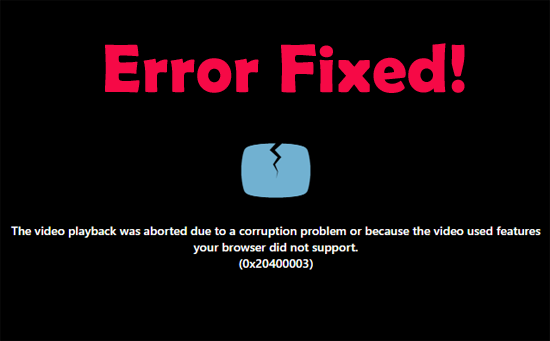
Stuck with the error “The media playback was aborted due to a corruption problem or because the media used features your browser did not support.” when streaming online videos? If yes, do not fret, you are in the correct place.

Read more

Editorial Staff
Editorial Staff
www.rescuedigitalmedia.com
Best Photo Recovery Software

Recent Posts

  • How to Fix “The Media Playback Was Aborted Due to a Corruption Problem…” Error?
  • Fix Video Flickering Issue: 4 Proven Methods for Smooth & Stable Playback!
  • 3GP Video Repair- How to Repair 3GP Files in 5 Easy Ways?
  • [FIXED] VLC Video Freezes but Audio Continues Issue– Quick Fixes!
  • 9+ Ways for Windows Media Player No Sound Issue!
  • Stop Your Photos from Disappearing– Fix Image Not Available Error!
  • Solving Video Black Screen with Sound Issue with 7+ Fixes!
PC Error Fix Logo

© Rescue Digital Media, Since 2013

           
Links
About Us
Affiliate Disclosure
Contact Us
Privacy Policy
EULA
Sitemap
Review
Camera Recovery
Nikon Camera Recovery
Canon Camera Recovery
Sony Camera Recovery
Samsung Camera Recovery
Kodak Camera Recovery
Panasonic Camera Recovery
Repair Photos & Videos
JPEG File Repair
NEF File Repair
CRW File Repair
MP4 Video Repair
AVI Video Repair
MOV Video Repair
p