FIXED: Files Copied to USB Drive Disappear – 6 Ways

files copied to USB drive disappear

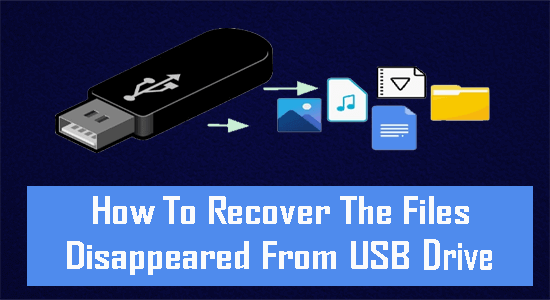
Sometimes, when you connect your USB drive to a PC and try to access its data, you may find that the files copied to USB drive disappear. The situation can be very much frustrating and worrisome. This might happen due to hidden files, corrupt USB drive or any other reasons. Fortunately, there are some effective ways available in this post that can help you fix this issue and recover missing files from USB successfully.

So, let’s just go through it……!

Read more

How to Recover Deleted Photos from an Android Phone? 3 Quick Ways

Recover Deleted Photos from an Android

Recover Deleted Photos from an Android

Nothing seems to be more frustrating than the accidental deletion of photos from digital devices – be it a phone, laptop, camera, or tablet. The moment you experience this unpleasant situation, the very first question that comes to your mind is how to recover deleted photos on the phone.

Read more

[3 Successful Ways] How To Unhide Files Hidden By A Virus?

how to unhide files hidden by a virus

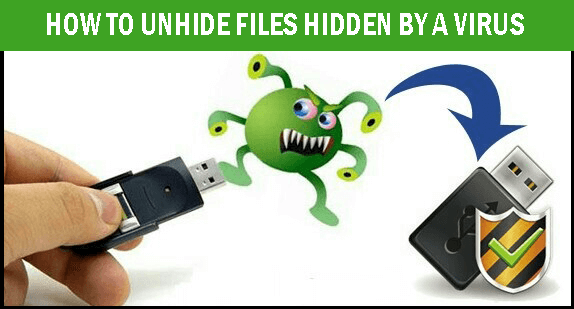
USB flash drives, also known as pen drives are one of the convenient ways to transfer data between devices.  However, one of the frustrating issues about these storage devices is that they easily get infected by viruses. These viruses can often make your files or folders hidden from your storage device. In such a situation, you may need to know the solutions on how to unhide files hidden by a virus.

Read more

Reasons Why Video Quality Changes After Export and How to Fix It

Video Quality Changes After Export

It often happens that after editing a video or publishing it on the Internet, the video loses quality significantly. This problem is quite common and many users do not know how to fix it. It’s really simple, you can check out 9 ways to fix MOV files only audio plays without video and read this article to make sure that the process of creating and publishing a quality video is much easier than it might seem. If you’re having trouble losing video quality after you’ve exported it from a video editor, this article is for you. We will look at several causes and ways to avoid this problem and tell you how to act when faced with such difficulties.

Read more

How to Fix Pixelated Or Grainy Videos In 6 Effective Ways

Fix a Pixelated Video and Improve Quality

Watching grainy or pixelated videos could be really annoying as it spoils your whole visual experience. This video-related issue usually happens due to numerous reasons such as low resolution, over-compression, zoomed-in beyond its original size, and so on. If you have any pixelated videos and you’re looking for the perfect solutions on how to fix pixelated video then read this helpful guide.

Read more

How to Recover Data from Laptop Hard Drive That Won’t Boot

Recover Data from Laptop Hard Drive That Won't Boot

Suppose, you need to do some important work on your PC and your computer/Laptop won’t boot, it feels really frustrating. If you are in the same situation then read this helpful guide to know how to recover data from laptop hard drive that won’t boot using automatic & manual solutions.

Read more

USB Drive Not Showing Up On Windows? Here’s 6 Quick Fixes

USB Drive Not Showing Up

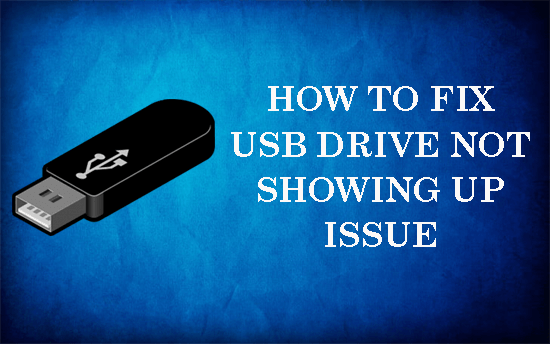
Sometimes, when you connect your USB flash drive to a computer, you find that it’s not showing up in File Explorer. To ensure that, you checked your disk management utility but the drive is disappeared from there as well. So, why your USB drive not showing up on Windows & how can you fix this issue?

Read more

MP4 Repair: Repair Corrupted MP4 Video with Video Repair Tool

repair mp4 video files

Nowadays, millions of people and businesses worldwide are worried about data protection. Cyber security threats and a couple of other similar reasons lead to data loss. Video corruption is one form of losing your data. Countless videos get corrupted every day around the globe.

Read more

7 Ways for Xbox One Media Player No Devices Found USB

Xbox One Media Player No Devices Found USB

Is your Xbox One Media Player no devices found? Struggling hard to fix this issue? If yes, then don’t fret, a few effective ways are offered in this post to troubleshoot this problem. So, follow this comprehensive guide to solve Xbox One media player no devices found USB issue successfully. Also, try the USB Data Recovery Tool to recover data from a USB drive if somehow deleted.

Read more