6 Ways To Fix MP4 File Not Playing On Windows

MP4 File Not Playing In Windows Media Player

MP4 is one of the popular file formats widely used for streaming and sharing videos online. They are supported by various devices, platforms and media players. MP4 provides high-definition (HD) and even ultra-high-definition (UHD) videos, making them a go-to choice for users. Despite having several features, users may encounter a situation where the MP4 file not playing on Windows.

Read more

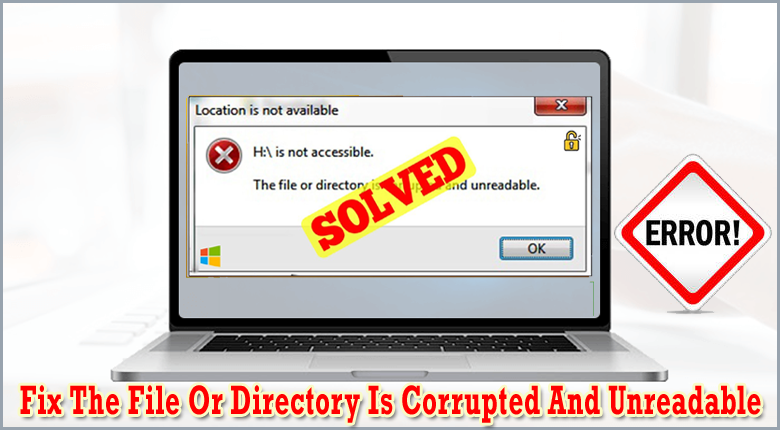
Fix “The File Or Directory Is Corrupted And Unreadable” – 9 Ways

the file or directory is corrupted and unreadable

Sometimes, when you connect your USB drive or other external storage devices to PC and try to access its data, you might receive an error message “the file or directory is corrupted and unreadable”. This error  is very much annoying as it prevents you from accessing your essential data. However, it can be easily fixed by applying few appropriate ways.

Read more

[13 Ways] How To Fix 4k Video Downloader Keeps Crashing Issue?

4K Video Downloader Keeps Crashing Problem

4K Video Downloader is a popular tool widely used to download high-quality videos from various platforms. However, at times while trying to download the videos using the 4k Downloader, the users may encounter an issue where the 4k video downloader keeps crashing. This issue can be really frustrating as it prevents the users from downloading their favorite videos.

Read more

9 Proven Ways To Fix VLC Not Playing YouTube Videos

VLC Not Playing YouTube Videos

Being a versatile and reliable media player, VLC has long been a go-to choice for users. Since it supports a wide range of video and audio file formats, it is preferred by several users for playing various media content. Despite having countless features, the users may occasionally face a situation where the VLC fails to play the YouTube videos or VLC not playing YouTube videos. If you are one of such users, don’t panic!

Read more

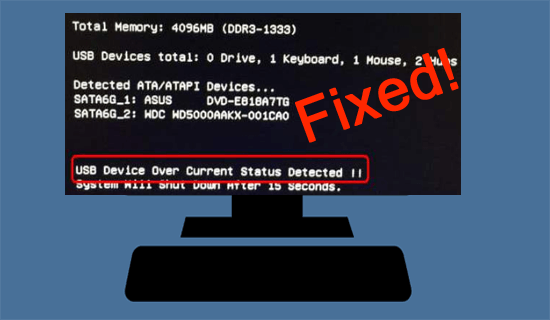
‘USB Device Over Current Status Detected’ Error – 5 Ways To Fix!

USB device over current status detected

The ‘USB device over current status detected’ usually appears when your system detects an excessive current flow through a connected USB device. It indicates that the connected device attempts to draw more current through the USB port which can damage the USB devices or the motherboard itself. Whether it’s caused due to malfunction USB devices, damaged USB ports, or any other reasons.

Read more

How To Fix Can’t Format SD Card Issue On Windows or Android?

how to fix cannot format Micro SD card

Generally, SD cards can be easily formatted on Windows PCs, Android phones, or digital cameras. However, at times, you may be unable to format an SD card due to several unknown reasons that can be really frustrating. But nothing to worry about! In this article, I’ll show you how to can’t format SD card issue using different methods.

Read more

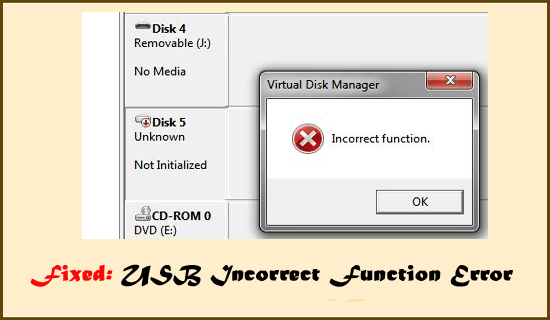
How To Fix USB Is Not Accessible Incorrect Function (6 Ways)

USB Incorrect Function Error

You often receive an “incorrect function” error when trying to format your USB/pen drive in Disk Management or transferring data from it. This error might resulted due to file system corruption, driver conflicts, or any other issues. But nothing to worry about!

Read more

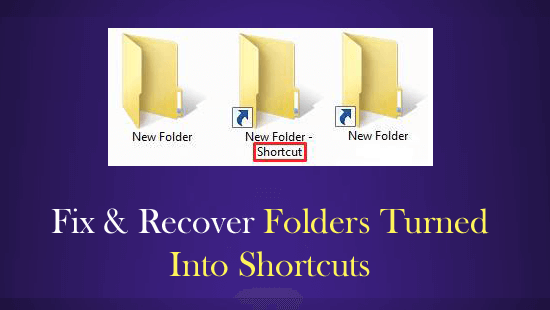
4 Methods To Fix & Recover Folders Turned Into Shortcuts

Fix & Recover Folders Turned Into Shortcuts

If your files & folders in USB drive, SD card, Pendrive, or other data storage drive turned into shortcuts and you’re unable to access them, then check if your files are hidden, run antivirus program and attrib command. Doing this will help you to solve how to fix folders turned into shortcuts and recover shortcut files in USB drive/Pendrive/SD card.

Read more