[SOLVED] Your Computer Restarted Because Of A Problem Mac

your computer restarted because of a problem mac

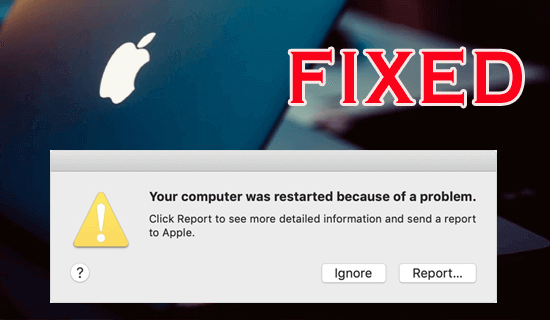
Have you ever encountered a frustrating situation where your Mac suddenly restarts or shuts down unexpectedly or shows an error “Your computer restarted because of a problem Mac”? If so, then do not panic. It is a common error that usually occurs due to hardware or software issues and can be easily fixed by applying the 12 best fixes mentioned in this post.

Read more

6 Proven Ways To Fix SD Card Shows 0 Bytes Error

SD card shows 0 bytes usually occurs when you try to access your SD card, USB drive, pen drive, etc. Zero bytes indicate that there is no data in the storage drive. Since it pin pointing towards the data loss, it’s likely to get panic. But nothing to worry!

Today in this guide, I will show you how to fix SD card 0 bytes issue using 6 tested and tried methods. Also, you’ll get to know the common causes of this frustrating issue.

Read more

[6 Ways] How to Remove Write Protection from USB Drive

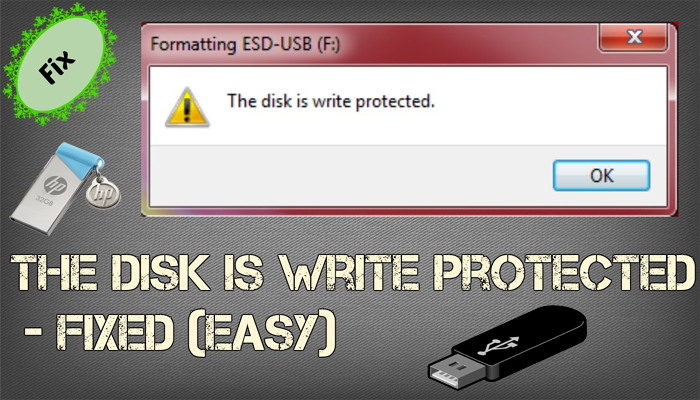
The disk is write-protected. Remove the write protection or use another disk

USB flash drives/Pen drives are the most convenient way to transfer data from one device to another. However, at times while trying to copy or transfer data from USB, you often receive an error saying that “the disk is write protected”. This error message usually prevents you from adding, deleting or even making any changes to your storage device.

Read more

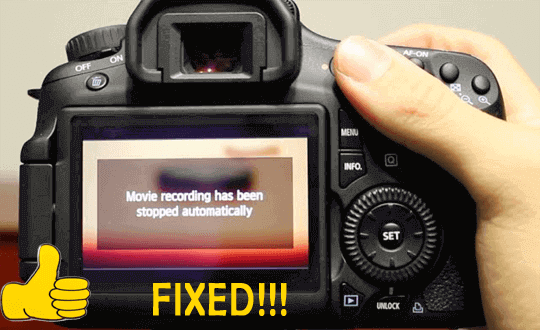
8 Ways To Fix Movie Recording Has Been Stopped Automatically Canon Camera

Movie Recording Has Been Stopped Automatically Canon Camera

Experiencing “movie recording has been stopped automatically” error on your Canon digital camera? If it is so, then read this post till the end and sort out this issue by yourself.

Recently many Canon DSLR and Canon Rebel T3i users have reported that they couldn’t record video after using the SD card as an external storage. Thus, if you’re one of them then stop worrying & keep on reading this article to learn how to fix the Canon camera stops recording video automatically.

You can fix video or movie recording stopped automatically error on Canon cameras by checking the SD card compatibility, modifying the recording resolution, controlling a camera’s bitrate, and formatting the memory card.

Read more

Fix Hubsan H501s Video Problems (Detailed Guide)

Hubsan H501s Video Problems

Hubsan H501 drones are popular & commonly used devices over the world as it captures aerial footages and provides high-quality vision from any angle or direction. But sometimes, it happens that due to several factors these drones can lead to serious issues. The reasons might be different for Hubsan H501s video problems but eventually affect the video quality.

Read more

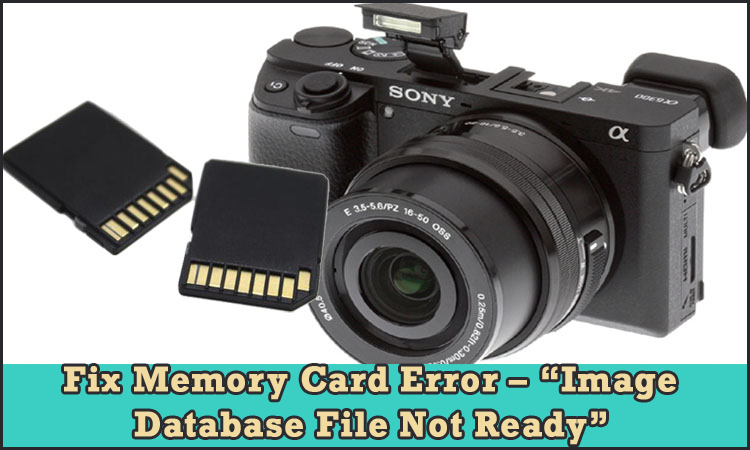
6 Ways To Fix Memory Card Error –“Image Database File Not Ready”

Memory Card Error – “image database file not ready”

Well, in most of my earlier posts I have written several memory card errors and their fixes. And in the same phrase, in this post, I am going to provide some quick methods that will definitely help you to fix Sony memory card error – “image database file not ready”.

You can fix the image database file error Sony A7iii by turning off or again turning ON the camera, checking if the memory card is locked, formatting the card, and replacing the card with the new one that you are using in your Sony camera.

Read more

[4 Ways] How To Speed Up A Slow MicroSD Card?

How To Speed Up Micro Sd Card

MicroSD cards are commonly used to expand the storage capacity of digital devices such as cameras, smartphones, camcorders etc. However, at times, you may encounter some SD card related issues and one of such issue is slow microSD card. If your SD card is running slow or taking long time to transfer data, load files, or respond to commands, then do not worry!

Read more

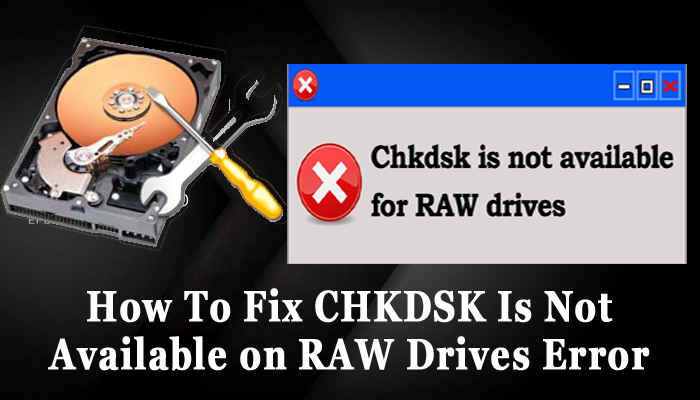
[SOLVED] CHKDSK Is Not Available For Raw Drives/USB/SD Cards

Fix CHKDSK Is Not Available on RAW Drives Error

CHKDSK is a command line utility in Windows primarily used to check and repair file system errors, bad sectors on drives, or other disk-related issues. However, if you connect a drive (USB/SD card) with a raw file system, you may receive an error saying that chkdsk is not available for raw drives.

Read more

8 Ways To Fix SD Card Reader Not Working Issue

SD Card Reader Not Working

An SD card reader acts as a bridge between SD card and computer. It helps to establish the connection between the two and enables you to access the card to a PC. However, at times you may encounter a situation where the SD card reader may not show up on Windows due to some possible reasons. But nothing to worry! Fortunately, there are some easy and effective methods available in this post that can help you fix SD card reader not working with ease.

Read more

[100% Solved] Windows Was Unable To Complete the Format Error

windows was unable to complete the format

You may encounter a “Windows Was Unable to Complete the Format” error either when your drive is physically damaged or if the drive is write-protected. However, sometimes this error is also caused when your drive is infected by a virus/malware. Regardless of the causes, this error can be easily fixed by using the disk Management utility, diskpart command line, formatting the SD card or USB drive in safe mode, and performing the other techniques listed in this post.

Read more